Payment Hub connects payment tools in Byzly with supported external services. The merchant maintains its account and relationship with the payment provider. The connected provider processes the payment; Flexxbuy and Coach Financing are not the payment processor.
Find your connections
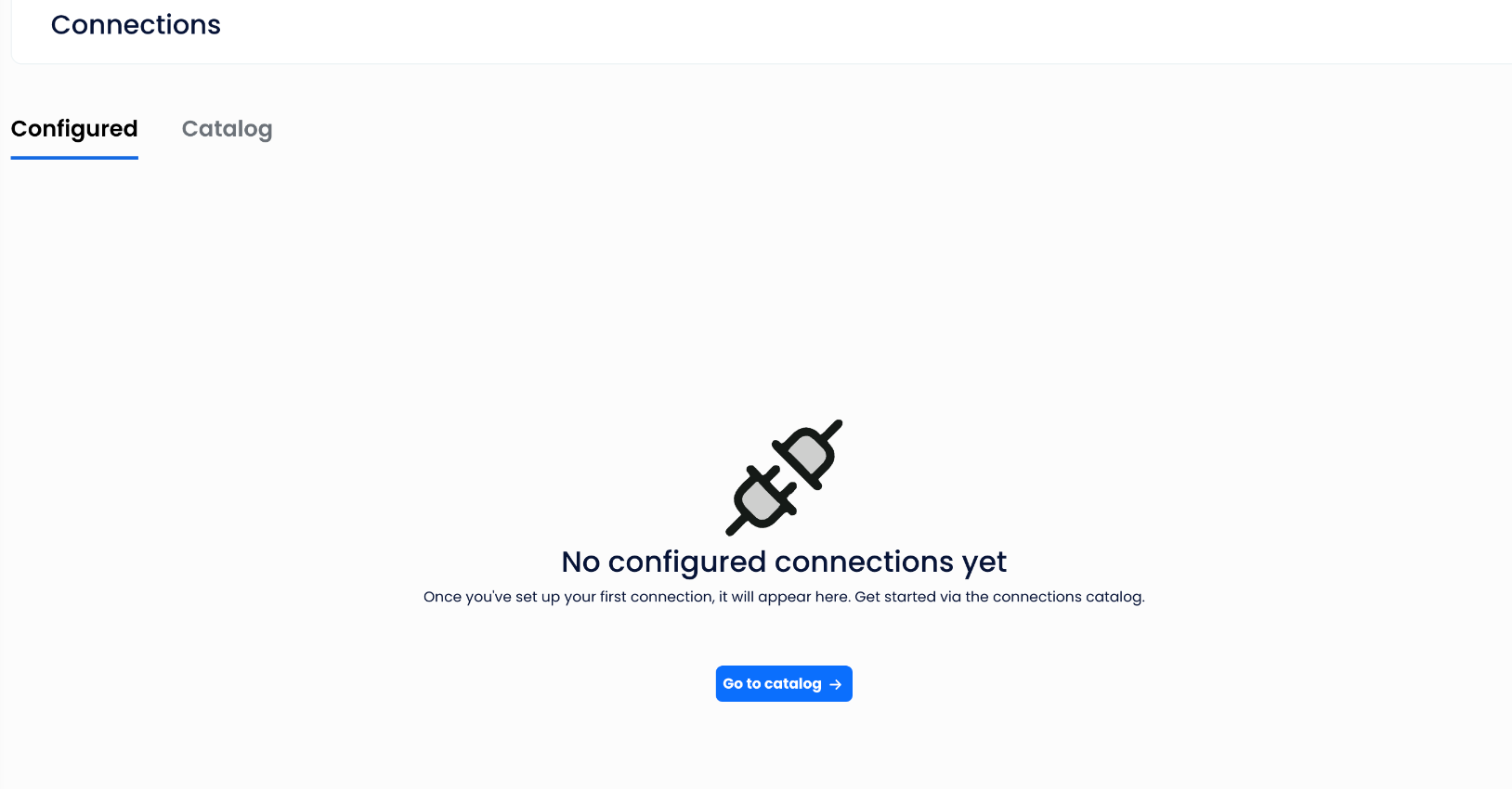
- Open Payment Hub → Connections.
- Use Configured to see connections already set up for your account.
- Use Catalog to see available connection options. If no connections are configured, the screen offers Go to catalog. The catalog includes Search by name.
The Payment Options fields in payment forms draw from connected Payment Hub services. An empty list can mean no service has been connected yet.
For a specific integration, use only its approved instructions. A catalog entry does not establish support for every payment method, country, account type or configuration.
For credentials, provider approval, webhooks, errors, unsupported configuration or setup that is not documented, contact info@flexxbuy.com. Do not send API keys, payment credentials or provider passwords through chat.