
Step 1: Log into Byzly
-
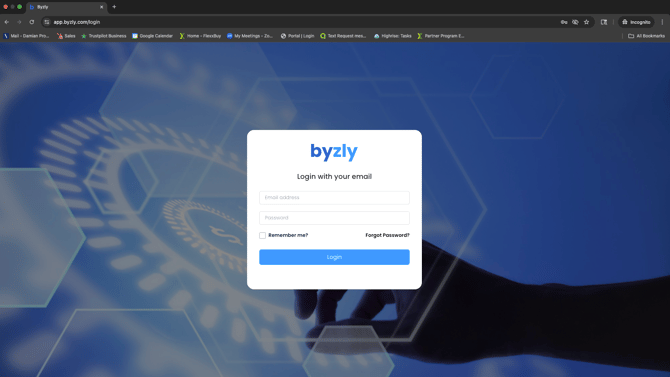
Go to: https://app.byzly.com/
-
Enter your email and password.
-
You will be sent a login code for 2FA.
💡 Tip: Bookmark the Byzly login page for easy access later.
Step 2: Set Up Your Company Profile
-
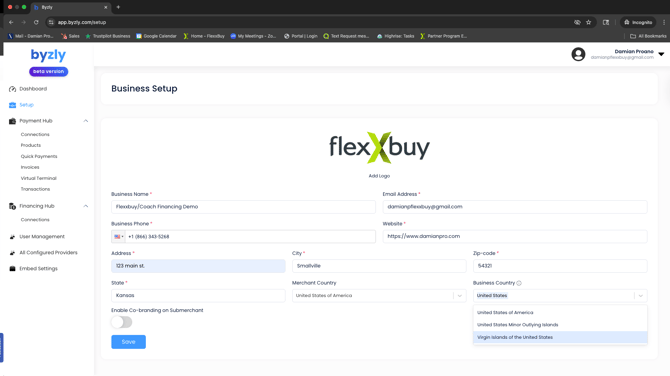
In the left menu, click Company Settings → Profile.
-
Complete or confirm the following details:
-
Business name (as it should appear to customers)
-
Upload your logo (optional but highly recommended)
-
Contact email and phone number
-
Business address
-
-
Click Save when finished.
Step 3: Access the Financing Hub
-
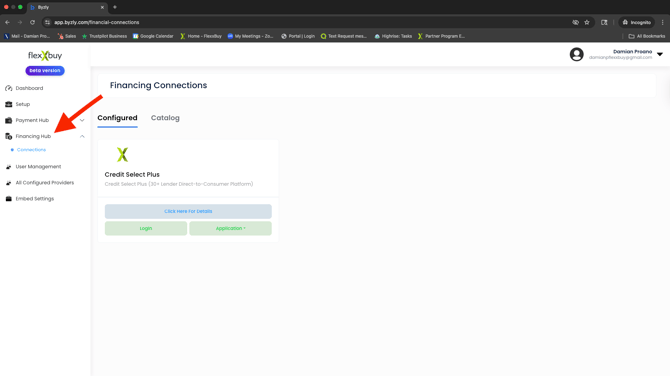
From your Dashboard, locate the Financing Hub button.
-
Click Open Financing Hub.
-
This will connect you directly to the Credit Select Plus (CSP) where your prospects can apply for financing
Next Step: Using the Credit Select Plus Platform (CSP)